

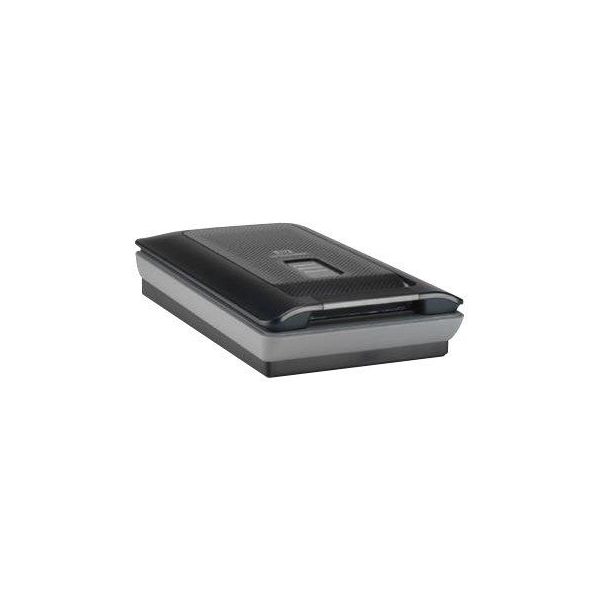
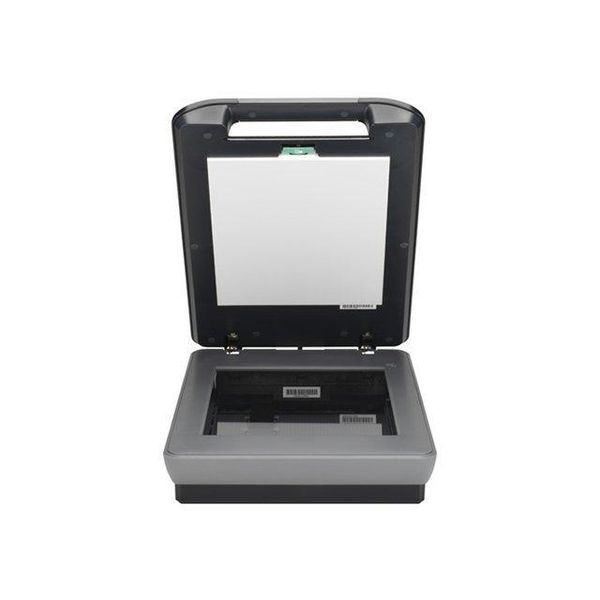
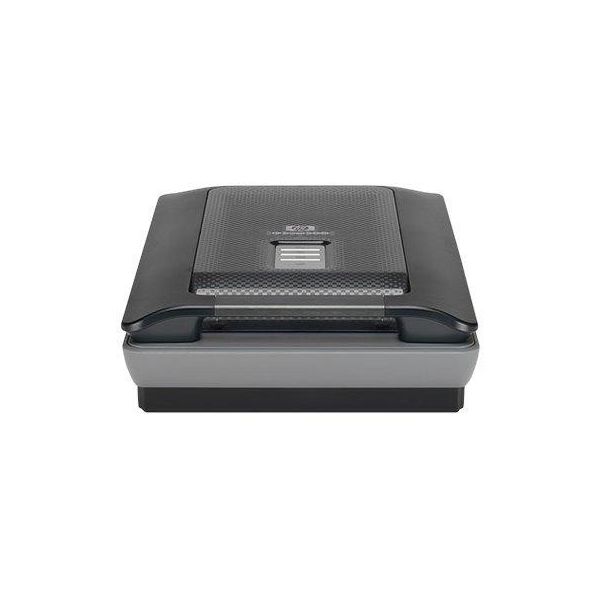
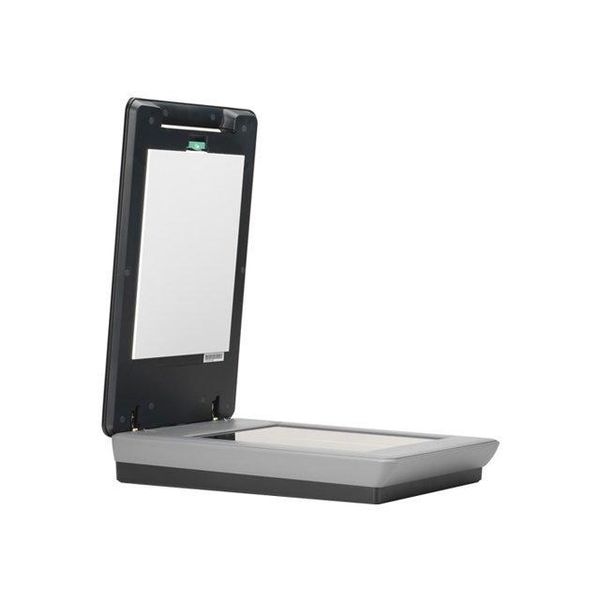
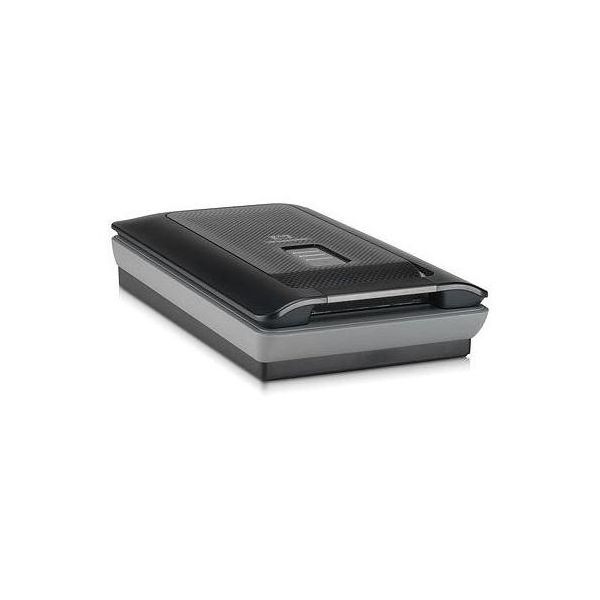
HP Scanjet G4050

 SGD 482.76
Reviews
Show product page
15 years ago
worst for slide and negative
we have acquired this scanner for overall scanning but because HP was boosting the suppose ability to scan 25 35mm slide at a time and 30 35mm negative. We never was able to scan a full platen at any one time except at very very low resolution (less than 300dpi).
Pros:
- may be good for handling any printed documentation (Photo
- drawing
- doc,) Easy software installation
Cons:
- Poor interface Learning curve very long No tweaking possibility Poor end result handling

13 years ago
We have a few of these scanners at work, both this model and the previous G4000 model. All the scanners have repeatedly had the same issue where after working fine for a while, the scanner will scan a small portion of a document (maybe 25%), and then it will fail and give an error message that it...

13 years ago
HP Scanjet G4050 does not work.
Bought this scanner to copy the hundreds of old slides of family and outdoor activities. My computer has Windows 7 Home premium operating system. The software for the scanner will not load. HP tech service was of no help. They do not have a driver that is compatible with this system.
Pros:
- Accurate Color
- Good Resolution
Cons:
- Difficult Setup
- Difficult to Keep Clean
- Inaccurate Scans
- Poor Software

19 years ago
HP Scanjet G4050 review
You may be wondering why HP's Scanjet G4050 costs almost £200, especially as there's not a lot of technical difference between it and the G3010. The key difference is that it supports six-colour, 96-bit scanning. This involves scanning each item twice with two different light sources.
11 years ago
Because we liked the features and performance of our first one purchased in 2012, we purchased a second unit for a spare. This new unit was fully tested for functions and passed before storing. We plan on rotating use between the older and new unit in our commercial business.

10 years ago
Fast, quiet, excellent capture of fine detail
Overall function is excellent. It is a great replacement for my HP 4800 series, which is not Windows 10 compatible. My only complaint is the loose connection between the upper scanning lid, which is designed to accommodate 3D objects. It shouldn't be that easy to disengage.
18 years ago
HP Scanjet G4050
Superlative quality is let down by slow scan times and unintuitive driver software.
14 years ago
Good scanner IF you use Vuescan
Bottom line, do not use with the included program. It's horrible, and will cause no end of problems. With a 3rd party program like Vuescan ($40) its an entirely different scanner and can give great output. Be ready to wait though because at maximum resolution this thing is SLOW!!
Pros:
- Looks good
- 4 buttons work quickly
Cons:
- Big
- takes lots of deskspace
- Included program is terrible!!!
- SSSSLLLLOOOOWWWW
- Does not scan Black and white very well

19 years ago
HP Scanjet G4050
The HP Scanjet G4050 is a solid dual-lamp scanner that could use a driver overhaul and a better means of handling slides.
Pros:
- Excellent scans
- especially of very saturated originals
- Very nice industrial design
Cons:
- Only supports sRGB colour space
- Random colour registration problems on slide scans
- Weak driver
- Many operations are very slow

19 years ago
HP Scanjet G4050 Photo Scanner
you've almost certainly heard of six-color printing, with the extra ink colors making it easier to print at true photo quality. but i'll bet you haven't heard about six-color scanning . that's because the scanners you're used to all use three colors for scans.
Pros:
- Six-color scanning yields excellent color quality
- Scans photographic prints and film
- Can scan up to 16 slides at once
Cons:
- Scan software is cumbersome in some ways and sometimes slow to react to a command
3.6
from 43 reviews
5
27.0%
4
32.0%
3
15.0%
2
12.0%
1
12.0%

