

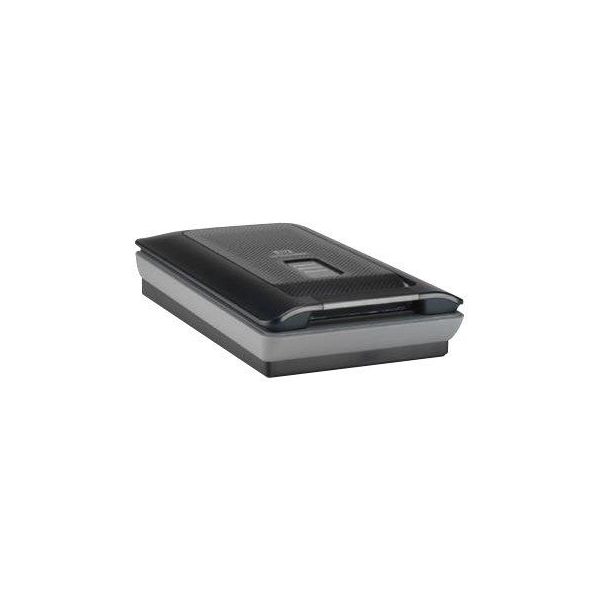
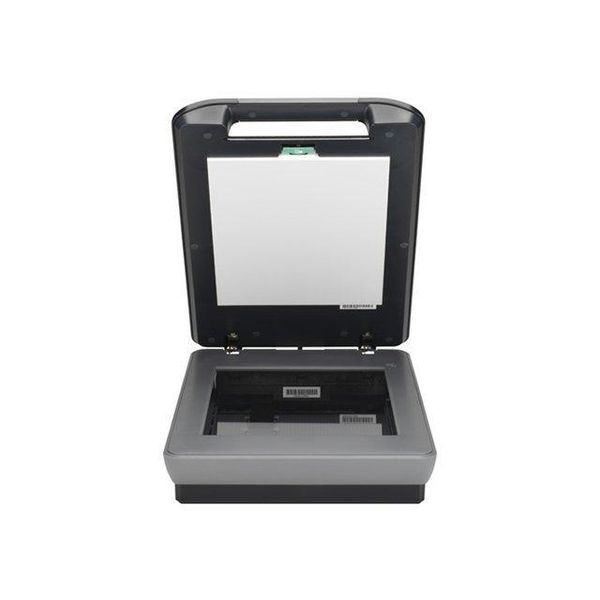
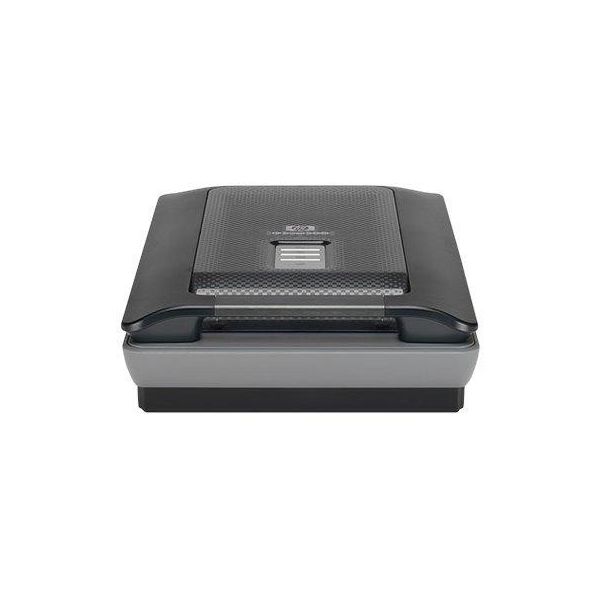
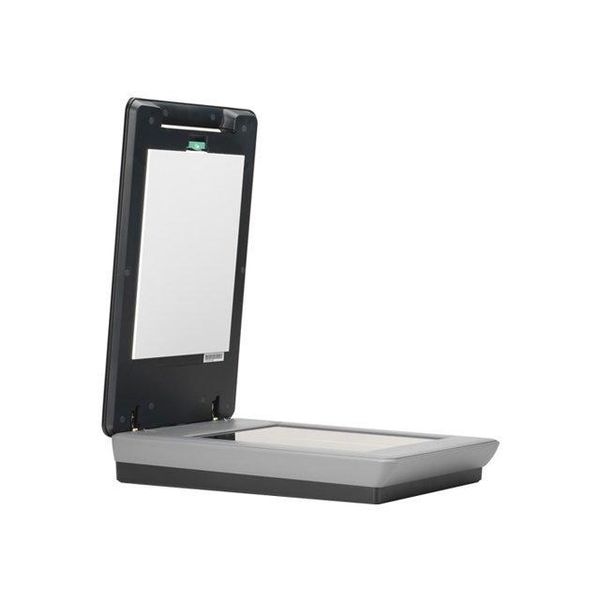
HP Scanjet G4050
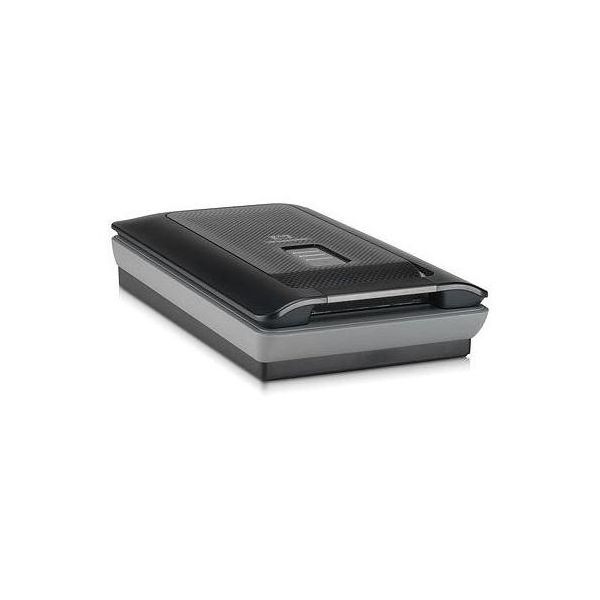

 SGD 482.76
Reviews
Show product page
18 years ago
Scanjet G4050
According to HP, the main problem with conventional scanners is that the white light leaves significant gaps in the colour gamut, creating significant colour distortions. The company's solution is to add a new light source that fills the gaps.
Pros:
- Better colour accuracy
- Reasonable looks
- Good range of supported slides
Cons:
- Dodgy drivers
- Very slightly soft focus
- Can be slow

18 years ago
HP G4050 Scanjet scanner
software failed in initial installation and messed up existing operation of the computer. I'm a college professor, PhD, who knows his way around a computer. The hard drive had to be wiped clean and all programs reinstalled - a mess which took techies 2 days to fix.
Pros:
- large bed for scanning
- hi resolution
Cons:
- complicated to use
- impossibile to install

15 years ago
worst for slide and negative
we have acquired this scanner for overall scanning but because HP was boosting the suppose ability to scan 25 35mm slide at a time and 30 35mm negative. We never was able to scan a full platen at any one time except at very very low resolution (less than 300dpi).
Pros:
- may be good for handling any printed documentation (Photo
- drawing
- doc,) Easy software installation
Cons:
- Poor interface Learning curve very long No tweaking possibility Poor end result handling

13 years ago
We have a few of these scanners at work, both this model and the previous G4000 model. All the scanners have repeatedly had the same issue where after working fine for a while, the scanner will scan a small portion of a document (maybe 25%), and then it will fail and give an error message that it...

13 years ago
HP Scanjet G4050 does not work.
Bought this scanner to copy the hundreds of old slides of family and outdoor activities. My computer has Windows 7 Home premium operating system. The software for the scanner will not load. HP tech service was of no help. They do not have a driver that is compatible with this system.
Pros:
- Accurate Color
- Good Resolution
Cons:
- Difficult Setup
- Difficult to Keep Clean
- Inaccurate Scans
- Poor Software

18 years ago
Light noise, bad Mac interface
I bought a G4050 and tested it on an iMac using Mac OS X version 10.4.11, and a PC using Windows XP (SP2). On both systems, photo scratches on a scanned 4x6 photo that were barely discernable were very accentuated as light noise in the digital images.
Pros:
- Durable
Cons:
- Bad Value
- Low Quality
- Poor photo scans

17 years ago
HP Scanjet G4050 Photo Scanner
This scanner is OK for amateur photographers but does not provide the tools to scan negatives for fine photographic work, The software is sloppy and the HP on-line help is pathetic. I found I knew more than the technician about a problem that I asked help for.
17 years ago
Unhappy
It may be a great scanner but I cannot get it operational with my IMAC. I have followed all instructions and downloaded from the HP trouble shooting pages and nothing will work. It is not that it is non functional but that the computer will not or cannot read the scanner and nothing will correct it...
Cons:
- cannot use won't work

10 years ago
Unable to get scanner connected under Windows 10
I have installed the scanner, I have downloaded and installed the software that HP offers as a WIndows 10 update. My desktop HP Envy does not see the scanner. I've also swapped out cables, read forums etc. and I cannot get this thing working.
10 years ago
Unable to get scanner connected under Windows 10
I have installed the scanner, I have downloaded and installed the software that HP offers as a WIndows 10 update. My desktop HP Envy does not see the scanner. I've also swapped out cables, read forums etc. and I cannot get this thing working.
3.6
from 43 reviews
5
27.0%
4
32.0%
3
15.0%
2
12.0%
1
12.0%

