

Brother PT-P700
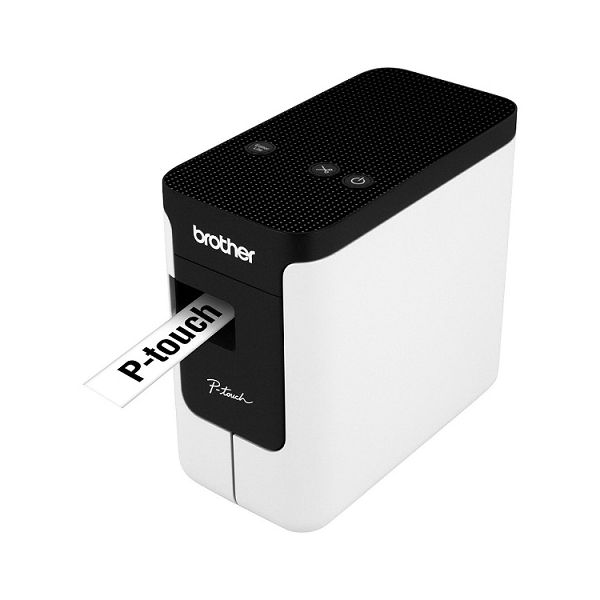
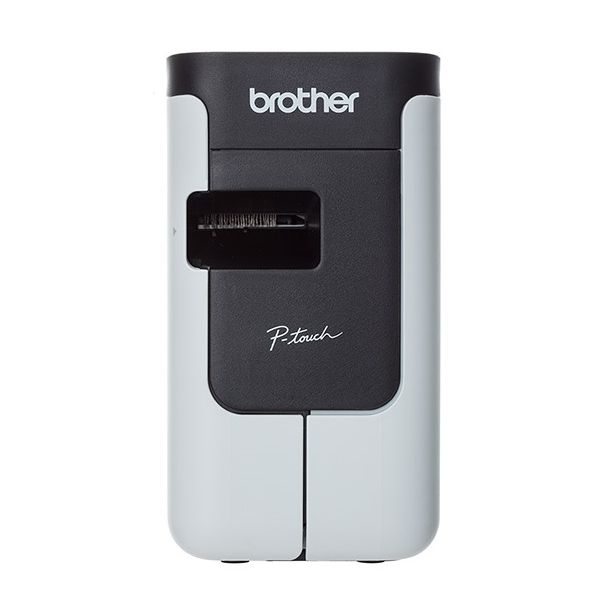

 SGD 176.00
Reviews
Show product page
9 years ago
doesn't work since I upgraded to MAC 10.12
Spent 2 days trying to re-install the drivers but the label maker will not work. Want to buy mine?
9 years ago
Not ready for primetime!
Looks to be OK as far as the printer itself goes, but......the cassettes. :-( The instruction sheet tells you to "Insert a tape cassette and close the cassette cover". No caveats concerning the cassette itself. If you don't put it in just right it jams and guess what!
9 years ago
Plug and play
Excellent item. It is completely plug and play with Windows 10. I plugged it into my laptop and it worked instantly. Didn't even have to load drivers. Prints nice labels.
12 years ago
Pros:
- Fast
- able to handle wide labels
Cons:
- Problems printing chain labels (one after another with no cuts

12 years ago
Brother P-touch PT-P700
Printers like the Brother P-touch PT-P700 , which print on plastic labels, come in several mix and match design choices. They can be handhelds like the Dymo LabelManager 420P or desktop units like the Editors' Choice Brother P-touch PT-D200 .
Pros:
- Automatic cutter
- Prints laminated plastic labels on tapes up to 24 mm (roughly 1.0 inch) wide
Cons:
- Needs AC power or AA batteries
- rather than getting power over USB cable

10 years ago
The PT-P700 is a nice little label printer. versatile, portable. and hooks up to any system in seconds since it has its own software on onboard memory. But it has a couple of drawbacks. 1. It wastes quite a bit of label stock because it spits out a long blank trailer.

8 years ago
Brother P-Touch P700 Label Machine
Really great label printer! Soooo easy to use and the end result is fantastic! I will highly recommend this product! It only comes with a sample cartridge, so make sure you order an extra cartridge with your printer.
12 years ago
Smart, compact piece of kit.
Have used other small Brother devices, so ordered the PT-P700 with confidence. Have not been let down. It is quick, precise and versatile. Delivery and packaging excellent too
11 years ago
P700 Printer
Excelent printer I use it mainly for labeling components in control panels Easy to use software ability to save labels and modify for similar jobs Also like the auto cut feature which saves time on producing multiple labels
11 years ago
Brother Label printer
Easy to setup and use prints labels per your design. Ability to use Icons in your design makes it easy to shorten length of text required for description.
3.9
from 16 reviews
5
56.0%
4
18.0%
3
6.0%
2
0.0%
1
18.0%

