

Linksys Velop WHW0302 2-Pack
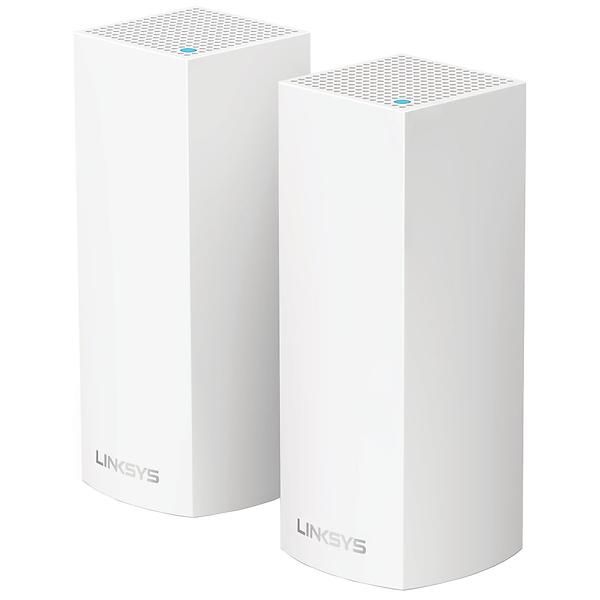
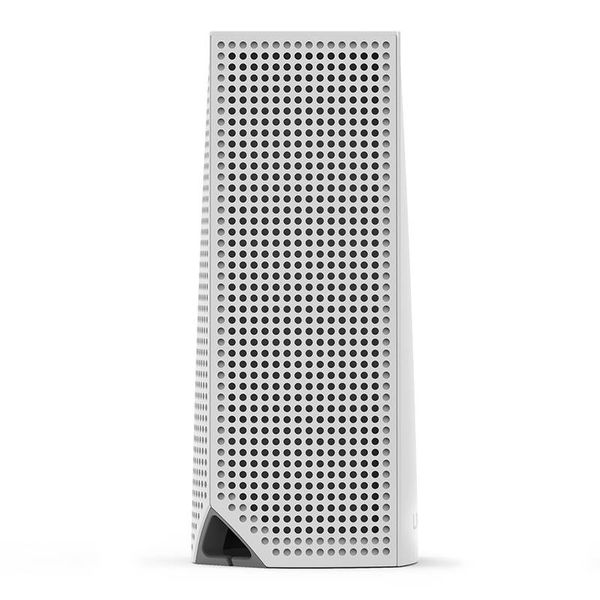
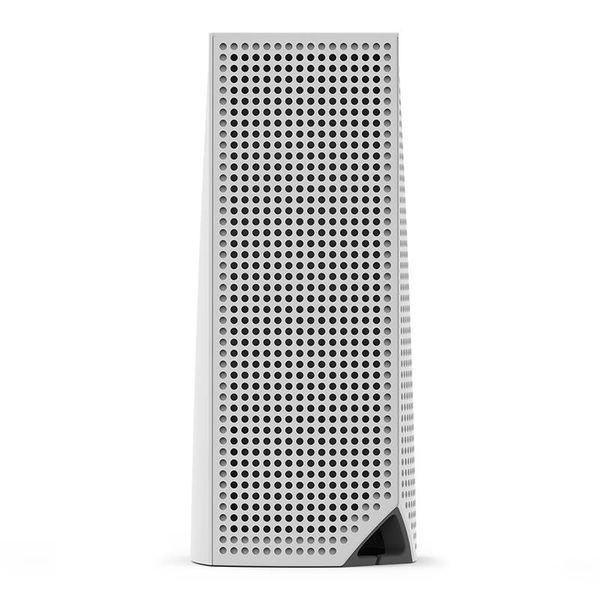
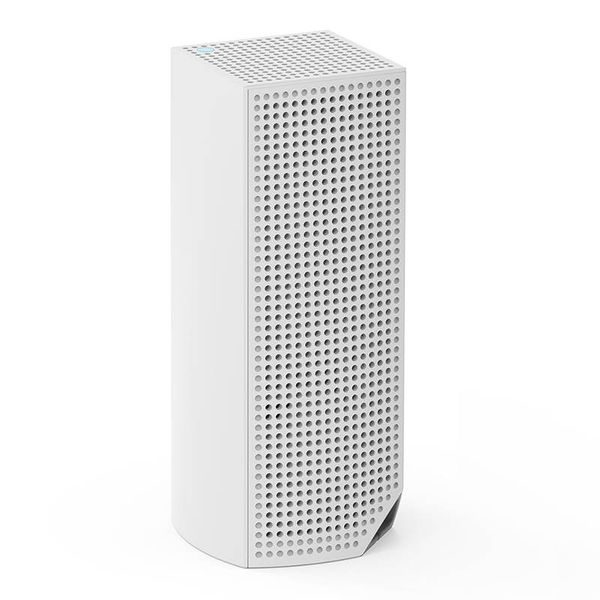
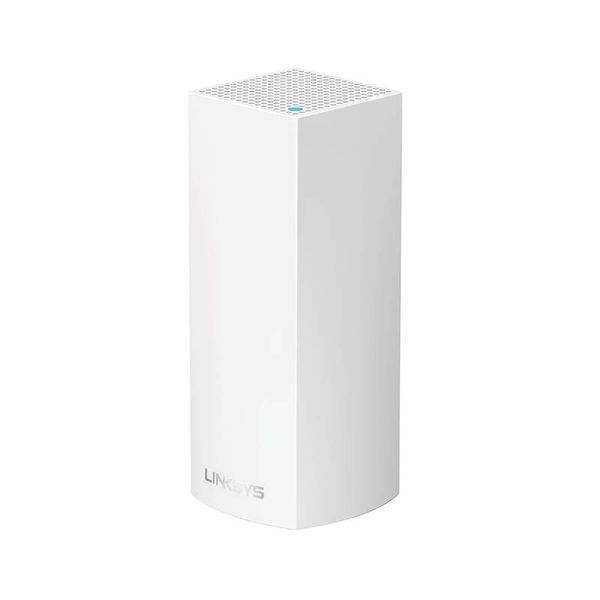
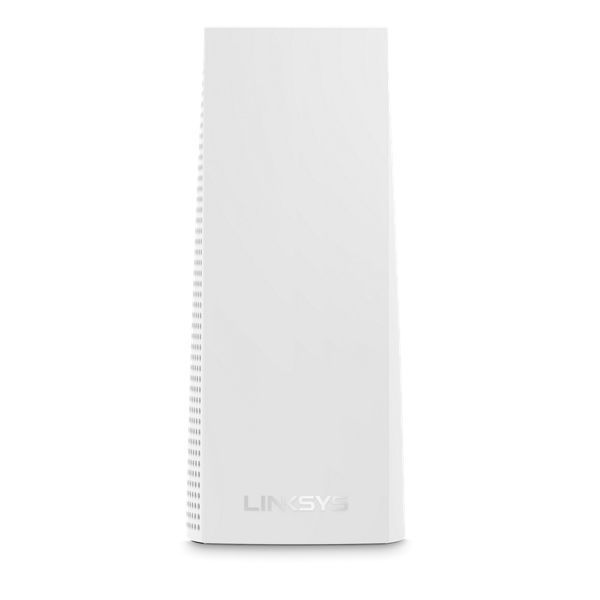
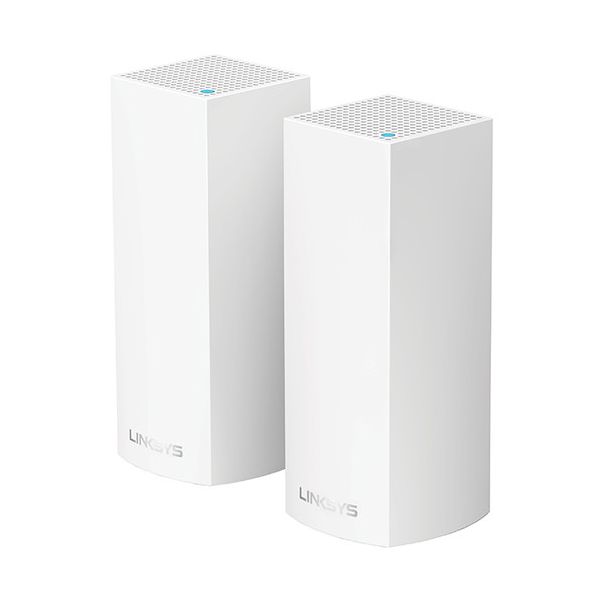

 SGD 449.00 - SGD 538.61
Reviews
Show product page
9 years ago
Blazing Speed, Best In Class Performance!
The Linksys - Velop Tri-Band Whole Home Wi-Fi System (3-pack) is packaged in a beautiful & functional box with magnetic closure - it exudes quality! Each Node is protected individually. Just looking at the box, you expect a premium, esoteric product... & Linksys delivers that & more in spades!
9 years ago
Great system. Everybody needs a new Mesh Wireless system
This system is terrific. The Mesh system came with 2 nodes in addition to the router. Easy installation. Beyond easy actually. The cool thing about the mesh system is that the nodes don't compete with the router for bandwidth. So no matter where I am in my house I am receiving 89mps speed.
Pros:
- Easily Expanded
- Easy To Set Up
- Fast
- Reliable

8 years ago
Cert refurb. Awesome save $$$
Iwas hesitant to buy a refurb as I have only ever bought one other item certified refurbished. However this seems to be working as expected and I'm planning on buying one more. As for this router doing what it's supposed to do It exceeds expectations and works wonderfully.
8 years ago
Excellent product!
I have been using the Linksys Velop Pack of 3 system for a little over a week now. This product rocks! Fastest wifi speeds I have ever seen from a router. We have 200 mbps internet and our wireless speed is over 200 mbps with the cable company's modem being used.
Pros:
- Design
- Easy to Use
- Features
- Performance
Cons:
- Expensive

7 years ago
Don't buy if you need reliable parental control functions
I purchased the Velop mesh system in 2017 replacing an aging router. Setup was easy and network access and speed consistent for a household with >10 devices. Wifi speed degrades after extended use but goes back to excellent when channels are re-scanned in the app or router rebooted.While the app...
Pros:
- Easy setup
- high speed
Cons:
- Needs rebooting, channel scanning for consistent high Wifi speeds
- Parental control function simply doesn't work

9 years ago
Linksys Velop
The Linksys Velop is ideal for non-technical users who want whole-home Wi-Fi coverage without having to configure range extenders or access points. It takes minutes to install and requires very little management, and its stylish nodes will fit right in with any home décor.
Pros:
- Sleek design
- Easy to install and manage
- User-friendly app
- Multi-User Multiple Input, Multiple Output (MU-MIMO) enabled
- Very good throughput in testing
Cons:
- Expensive
- Lacks USB ports
- Does not support dedicated band control

9 years ago
Linksys Velop AC6600 WHW0303 Whole Home Mesh Wi-Fi Review
The Linksys Velop is the first WiFi system from Linksys to join the wireless mesh network systems niche, along with the older Eero , Luma, Ubiquiti AmpliFI HD and the more recent Google WiFi .
7 years ago
My wide and old house got poor WiFi because of solid internal walls
My wide and old house got poor WiFi because of solid internal walls. careful positioning of these has allowed wifi everywhere, expensive but worth it for us.
8 years ago
Linksys Velop Whole Home Wi-Fi System
The Linksys Velop -- Belkin's first home mesh Wi-Fi system -- finds itself right between the Google Wifi and Netgear Orbi in terms of performance. There is room in this new category for routers of different product tiers, but with middling performance, the fewest features and the highest price of...
Pros:
- The Linksys Velop delivers fast Wi-Fi speed over a large area
- Its hardware is well designed, and the system is generally easy to use
Cons:
- The system is expensive and lacks basic settings as well as common features
- An account is required for its mobile app to work and its parental control feature is poorly designed

9 years ago
Mesh network provides excellent range; easy setup but few advanced features available
When I evaluate a new router's wireless performance, I always connect it in parallel with one of my existing routers, apply updates and configure it to my liking, and then replace the old router with the new one in the exact same physical location.
Pros:
- This ships as three identical devices which the Linksys app configures into a parent node and two child nodes
- The parent node is the one that connects to the internet, replacing your existing wi-fi router.
Cons:
- I found throughput on the 2.4 GHz band to be lower than with my other wi-fi routers. I suspect the channel finder decided to use 20 MHz channel widths instead of 40 MHz
- unfortunately there is no way to confirm or control that using the Linksys app
3.9
from 16 reviews
5
35.0%
4
21.0%
3
35.0%
2
7.0%
1
0.0%

